Prices were checked at the time of writing and may change. Check the retailer for current pricing.
This guide draws on manufacturer installation requirements, monitor spec sheets, and real-world build data from home and commercial simulator installations across room size categories.
Room dimensions are the first decision in any golf simulator build, and they determine everything that follows. The wrong dimensions means the monitor you wanted does not fit. The right dimensions with the right setup means a simulator that works from day one and room to actually swing a club.
This guide covers the real numbers: minimum ceiling height, width, and depth for every setup type, plus which monitors and packages work in each space category.
KEY NUMBERS
- Minimum ceiling height: 8.5 ft for shorter golfers with irons, 9 ft for a full driver swing for most golfers, 10 ft for complete clearance.
- Minimum width: 10 ft for a usable swing. 12 ft is comfortable for most golfers. 14 ft or wider eliminates side clearance concerns entirely.
- Minimum depth: 15 ft (tee to back wall) is the functional minimum. 20 ft is comfortable. 25 ft is generous for any setup.
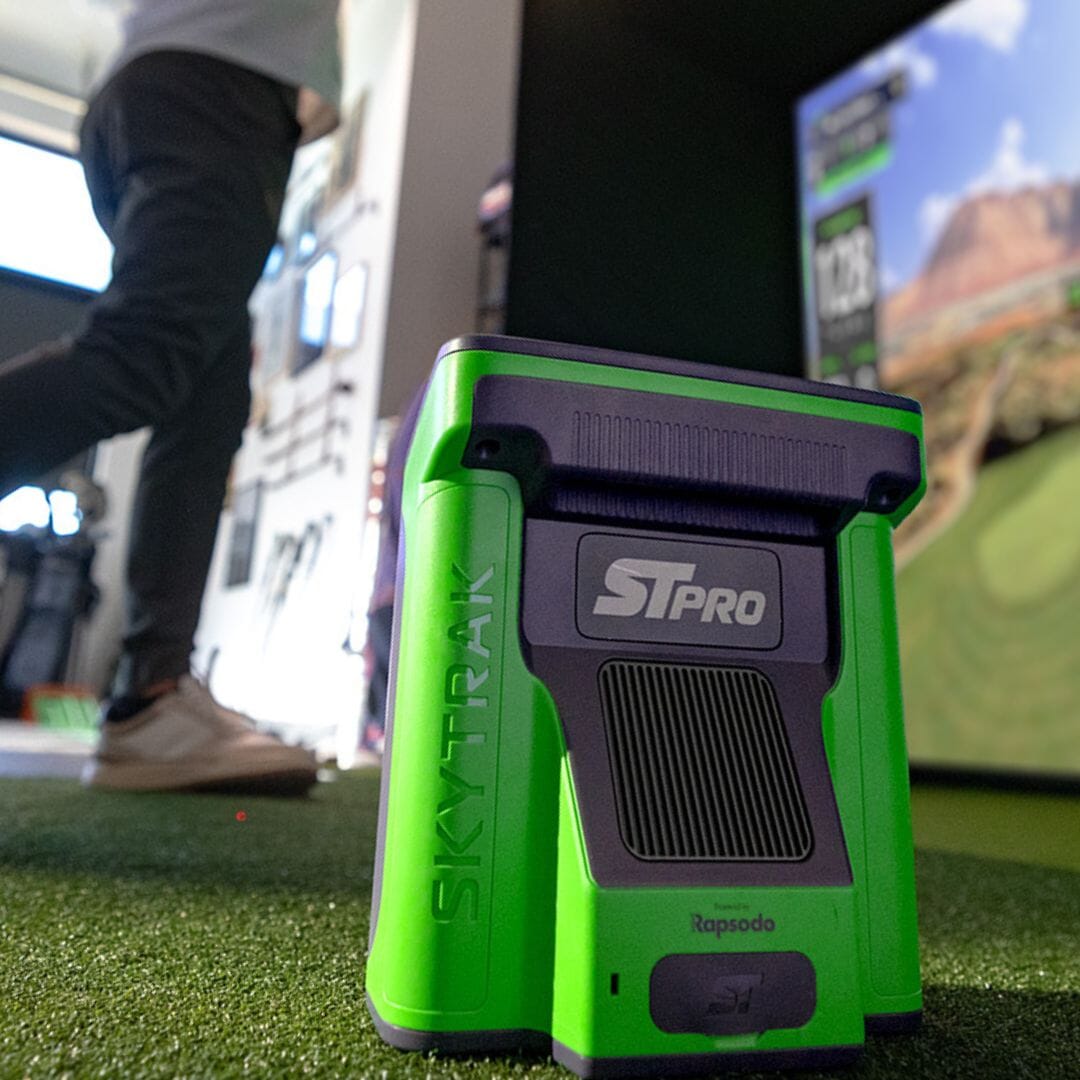
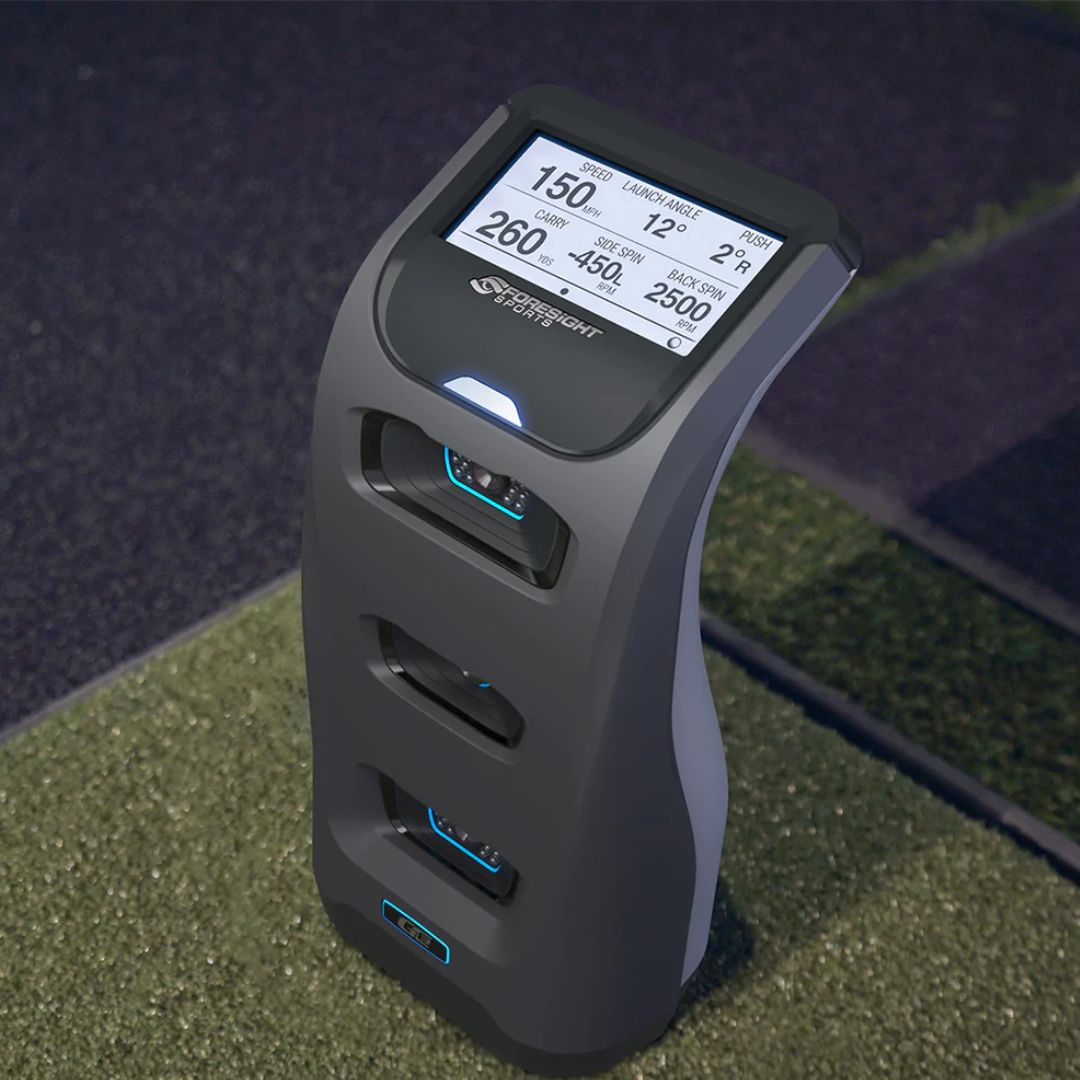
- Launch monitor placement: Side-mounted monitors (Foresight GC3, SkyTrak) need 0 extra depth. Rear-positioned radar monitors need 2 to 7 ft behind the ball.
- Use the room size calculator to verify your exact space against specific monitor requirements.
Ceiling Height: The Dimension That Cuts Most Setups
Ceiling height is the dimension that eliminates the most setups. At 8 feet, most adult golfers will make contact with the ceiling on a full driver swing. At 8.5 feet, shorter golfers with irons have enough clearance but driver swings remain risky. At 9 feet, most adult golfers can swing a driver without ceiling contact. At 10 feet, there is comfortable clearance for essentially all swing types.
The specific number that matters is the clearance at the highest point of your swing arc, not the average ceiling height. If you have a 9-foot ceiling with a ceiling fan, light fixture, or drop ceiling tiles in the hitting zone, your effective clearance is lower.
By ceiling height:
- 8 ft: Short irons only for most golfers. Not practical for a full simulator setup.
- 8.5 to 9 ft: Workable for most golfers at standard swing speeds. Clear the hitting area of all ceiling obstructions.
- 9 to 9.5 ft: Comfortable for the majority of golfers including taller players. This is the sweet spot for most home builds.
- 10 ft and above: Full clearance for all swing types. Opens up ceiling-mounted monitor options like the Trackman iO series.
Room Width: Side Clearance for the Swing
Room width determines how much clearance you have on your backswing and follow-through. At 10 feet wide, a right-handed golfer can swing without hitting the right wall, but it requires discipline about foot position and stance width. At 12 feet, most golfers can set up and swing without thinking about the walls. At 14 feet or wider, side clearance is not a factor at all.
Width also determines what you can fit side by side. At 10 feet, you have the hitting area and nothing else. At 12 feet, you can add a narrow side seating or equipment storage area. At 14 feet, you can run a parallel putting strip alongside the main hitting bay.
By room width:
- Under 10 ft: Not practical for a full swing golf simulator.
- 10 to 11 ft: Tight but functional. Right-handed golfers should stand slightly left of center. Watch the right wall on the backswing.
- 12 to 13 ft: Comfortable for most golfers. The standard for home simulator builds.
- 14 ft and wider: No side clearance concerns. Option to add a second use to the space alongside the hitting bay.
Room Depth: Tee to Back Wall
Depth is where many setup mistakes happen. The common question is "how far from the screen does the ball sit?" but the more important question is "how much total depth does the room have from the tee position to the back wall?"
You need three things in that total depth: space in front of the ball for the follow-through and the screen, plus space behind the ball for the launch monitor (if rear-positioned).
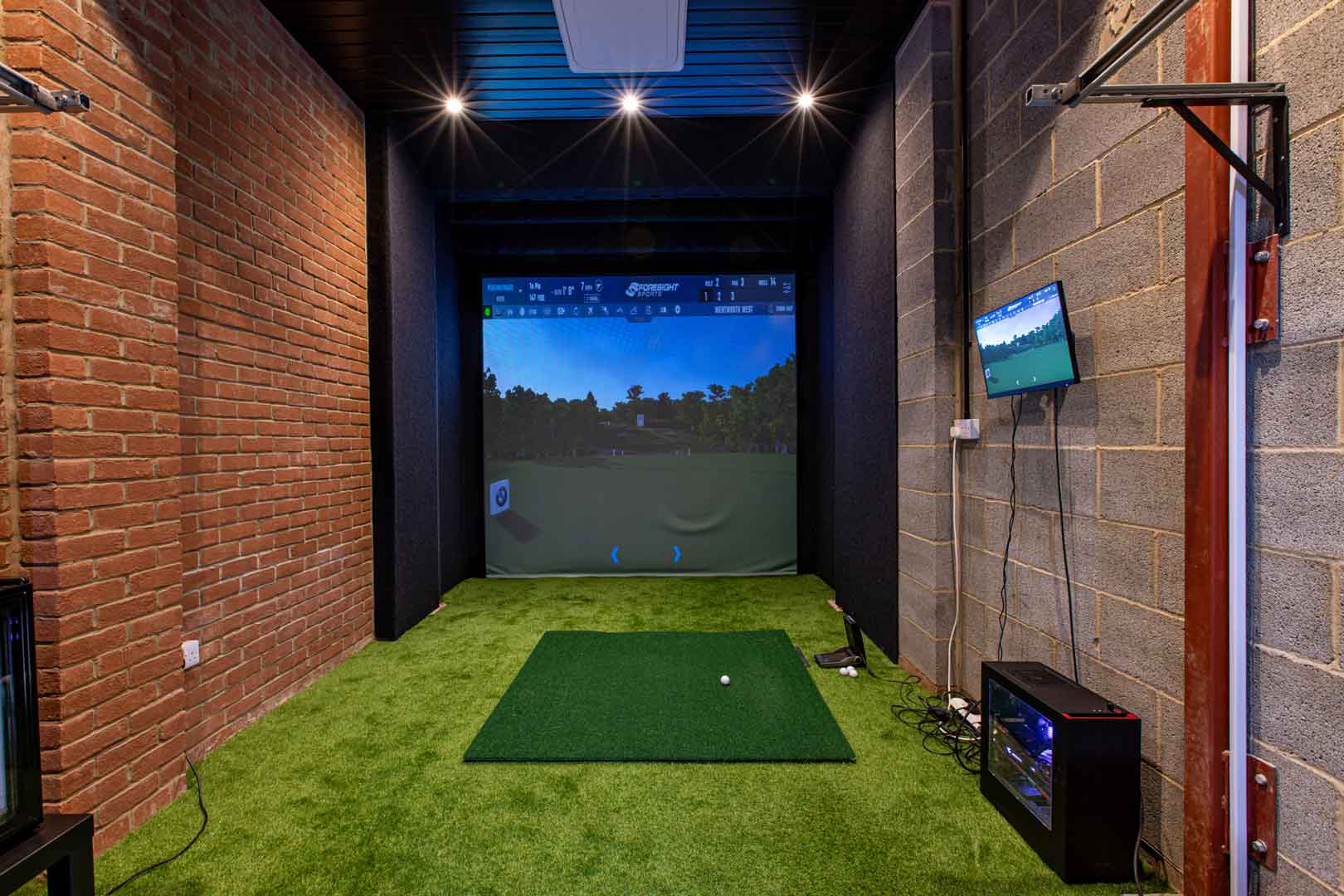
Tee to screen distance: Most simulator setups work best with 7 to 10 feet from the hitting mat to the impact screen. At less than 7 feet, the ball hits the screen before full data capture on some monitors. At more than 15 feet, the projector image becomes very large and you may need a higher-lumen unit to maintain brightness.
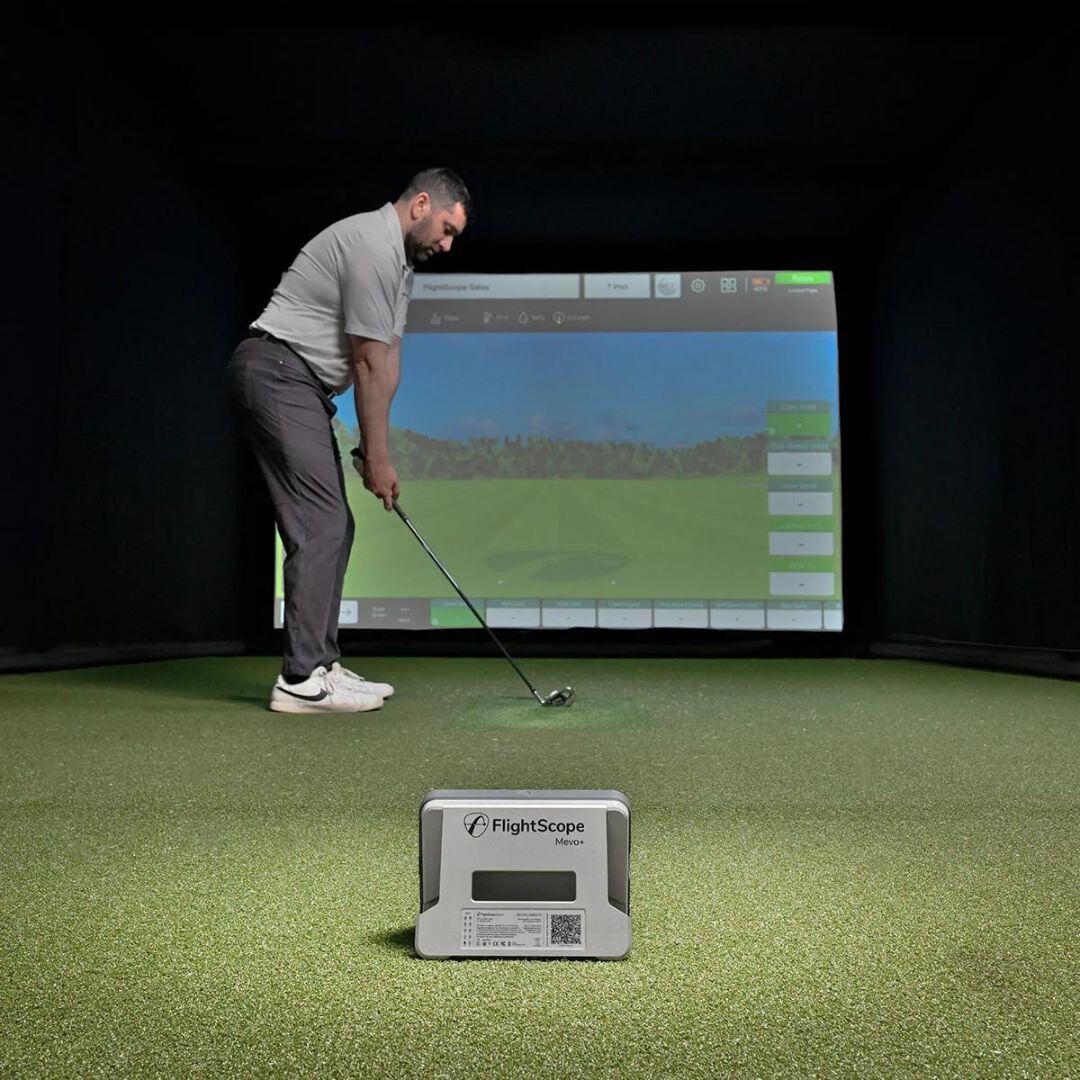
Rear monitor clearance: If you are using a radar monitor placed behind the ball (Garmin R10, FlightScope Mevo series), add 2 to 7 feet behind the mat to the total room depth requirement. If you are using a side-mounted camera monitor (Foresight GC3, SkyTrak), no additional rear depth is needed beyond what you want for setup and walking around.
By room depth:
- Under 15 ft: Very tight. Side-mounted monitors only. Screen and mat placement requires careful calculation.
- 15 to 18 ft: Functional for side-mounted setups. Radar monitors at this depth need 7 to 10 ft behind the ball to work correctly.
- 18 to 20 ft: Comfortable for all setup types. Radar monitors work well with enough rear clearance. Screen distance in the 8 to 12 ft range works well.
- 20 ft and above: Generous for all setups. Options for longer tee-to-screen distance, more walking room, and equipment storage behind the ball.
Minimum Dimensions by Setup Type
Different monitor types have different room dimension requirements. Here is what each type needs at minimum:
Side-mounted photometric monitors (Foresight GC2, GC3, SkyTrak series, Square Golf Omni):
- Ceiling: 8.5 ft minimum, 9 ft comfortable
- Width: 10 ft minimum, 12 ft comfortable
- Depth: 14 ft minimum, 17 ft comfortable
- These are the most room-friendly monitors and work in the widest range of spaces.
Rear radar monitors (Garmin R10, FlightScope Mevo series, Rapsodo MLM2PRO):
- Ceiling: 9 ft minimum
- Width: 10 ft minimum, 12 ft comfortable
- Depth: 17 ft minimum (7 ft behind ball plus 10 ft in front), 20 ft comfortable
Ceiling-mounted monitors (Trackman iO series, Uneekor EYE series):
- Ceiling: 10 ft minimum, 10.5 ft or more for comfortable mounting height
- Width: 12 ft minimum for the EYE series, 14 ft recommended
- Depth: 15 ft minimum, 18 ft comfortable
- These require professional installation and ceiling height that many residential rooms do not have.
Room Size Combinations That Work
Using those numbers, here are the combinations that practically work for a home build:
- 10 ft x 15 ft x 9 ft ceiling: Side-mounted monitors only. Tight but functional. Best for a dedicated practice space with a modest setup.
- 12 ft x 18 ft x 9.5 ft ceiling: Works for most side-mounted monitors and careful radar setups. This is a good mid-tier target for garage or basement builds.
- 14 ft x 20 ft x 10 ft ceiling: Works for all portable monitor types including ceiling-mount units at the lower end. Comfortable for any swing and any setup.
- 16 ft x 25 ft x 10+ ft ceiling: Works for all monitor types including premium ceiling-mount installations. Enough room for full swing practice plus a putting strip or seating area.
Use the FairwayElite room size calculator to run your specific measurements against the monitors you are considering. Enter your ceiling height, width, and depth and it shows which monitors fit and what screen size the room can hold.
Small Room Options: What to Do When Space is Limited
Not every home has 12 by 18 feet to dedicate to a simulator. If your space is tight, here are the options that actually work:
A side-mounted monitor with a quality impact screen can fit in a 10 by 14 foot space. The SkyTrak ST Max at $2,995 and the Foresight GC2 at $2,999 are designed for exactly this use case. You will not have extra room, but you will have a functional setup that tracks ball data accurately.
A net-only setup with a launch monitor is even more compact. A 10 by 10 foot space can hold a hitting net and a Garmin R10, giving you shot data without needing a full enclosure and projector. The small space simulator guide covers the best packages for tight rooms at every budget level.
Small Room (10 x 14)
Side-mounted monitors and compact net setups work in tight spaces. See the best options for small rooms at every budget.
See Small Space SetupsGarage or Shed (12 x 20)
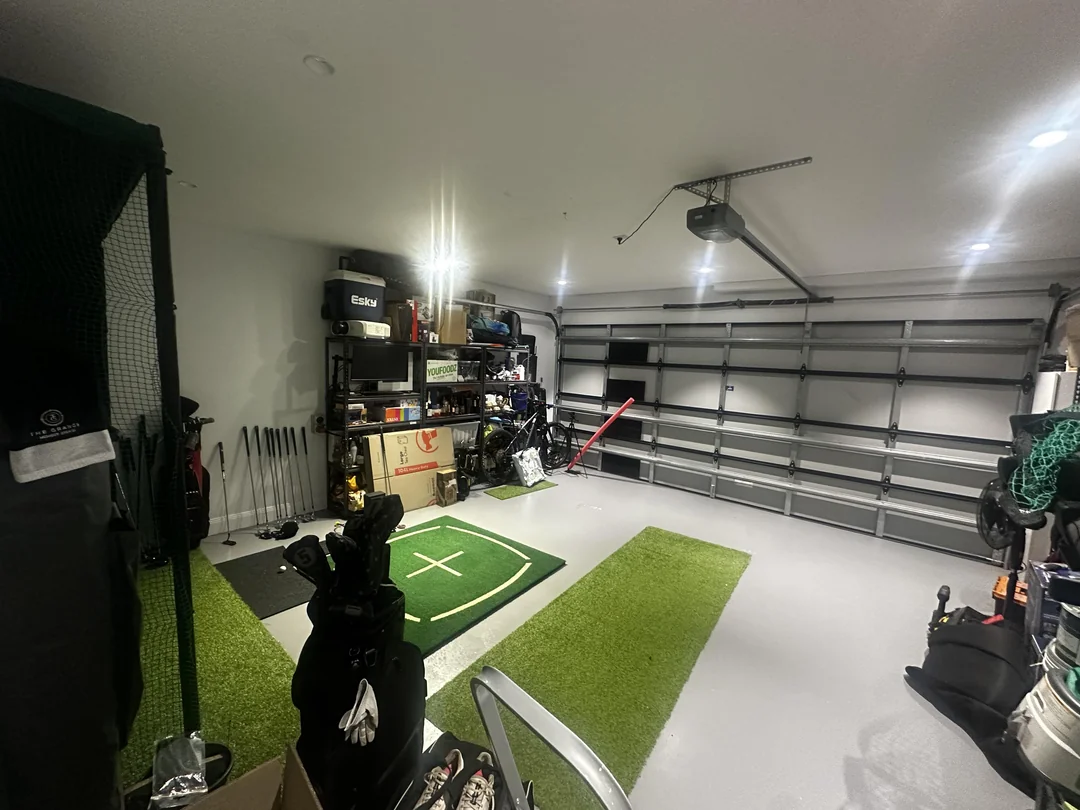
Garage dimensions work for a full enclosure and projector setup with side-mounted or radar monitors.
See Garage SetupsFrequently Asked Questions
What is the minimum ceiling height for a golf simulator?
The practical minimum is 8.5 feet for shorter golfers using mid-irons. For a full driver swing, 9 feet is the realistic floor for most adult golfers. At 8 feet, most people will hit the ceiling on a driver swing. The safe recommendation is 9 feet or higher for a setup you can actually use with every club.
Can you build a golf simulator in a 10 by 10 room?
A full simulator with projector and impact screen is very difficult in a 10 by 10 foot room. The screen distance and swing clearance do not work at that footprint. A hitting net with a launch monitor for data practice (without virtual course play) is feasible, but a full simulator needs at least 10 by 14 feet with the right monitor choice.
How much space do I need behind the ball for a launch monitor?
Side-mounted photometric monitors need no space behind the ball beyond room to walk around. Rear-positioned radar monitors typically need 2 to 7 feet behind the hitting position. Check the specific monitor's documentation for its required setup distance, as it varies by brand and model.
Does room width affect launch monitor accuracy?
Room width primarily affects swing safety and comfort, not monitor accuracy. What can affect accuracy is the monitor's side clearance from the ball (for side-mounted units, too close to a wall can interfere) and ceiling height affecting the swing arc. Width itself generally does not affect data quality if the monitor is positioned correctly.
Can I use a 9-foot ceiling with a Uneekor EYE monitor?
The Uneekor EYE series requires ceiling mounting at 10 feet or higher for correct installation. At 9 feet, the camera angle does not work correctly and the installation is not recommended by Uneekor. If your ceiling is 9 feet, a side-mounted or rear-positioned monitor is the right choice.
Bottom Line
The numbers that matter are ceiling height (9 ft is the practical minimum for most golfers), room width (12 ft is comfortable for the swing), and depth (17 to 20 ft for a complete setup). Get those three right and the monitor, screen, and projector choices follow naturally from what the room allows.
Use the room size calculator to verify your space, then pick a simulator package that fits your dimensions. The small space guide and garage simulator guide cover the best complete setups for each room size category.